
Independent Hipobuy buyer guide
Hipobuy Spreadsheet 2026
Use Hipobuy Spreadsheet as a product finds directory: browse categories, open useful product searches, check QC photos and plan shipping before you turn a find into a parcel.
Buyer basics
A shopping agent is a middle step, not the seller
Hipobuy is a buying agent, not the product seller. In a normal store checkout, the seller ships directly to you. With an agent, the item is first purchased from a third-party listing and sent to a warehouse, where the parcel can be photographed, stored and prepared for international shipping.
This changes the buying rhythm. You usually pay for the item first, then pay international shipping after the warehouse records the package weight and size. The useful part is control: before the parcel leaves, you can review photos, combine several items, remove unnecessary boxes when available and choose a route that fits your country.
Read Buying Flow
Spreadsheet
Category cards, product links and buyer notes
Not a finance-style row-and-column sheet.
Common name
A spreadsheet is not always a spreadsheet
In this niche, “spreadsheet” often means a shopping directory rather than a literal Excel-style file. Buyers use the word for organized product lists, category cards, find pages and link collections that help them move from browsing into an agent order.
The format matters less than the job it does. A good spreadsheet page should help you choose a product type, open the right search direction, then remind you to check QC photos, package volume, route limits and final shipping cost before paying for the parcel.
Use Spreadsheet Finds
Product discovery
Start from the exact product type
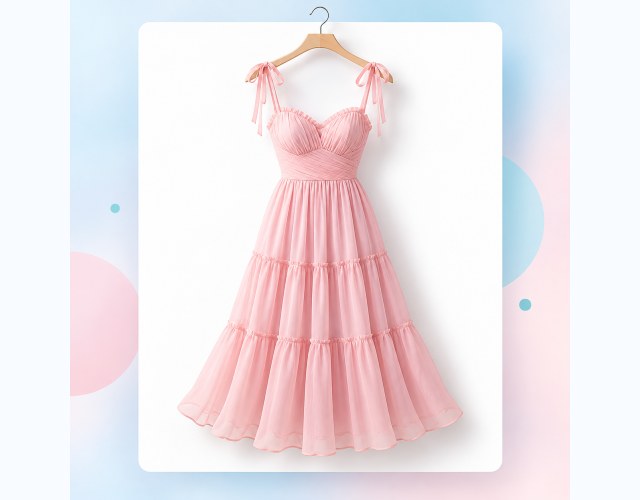
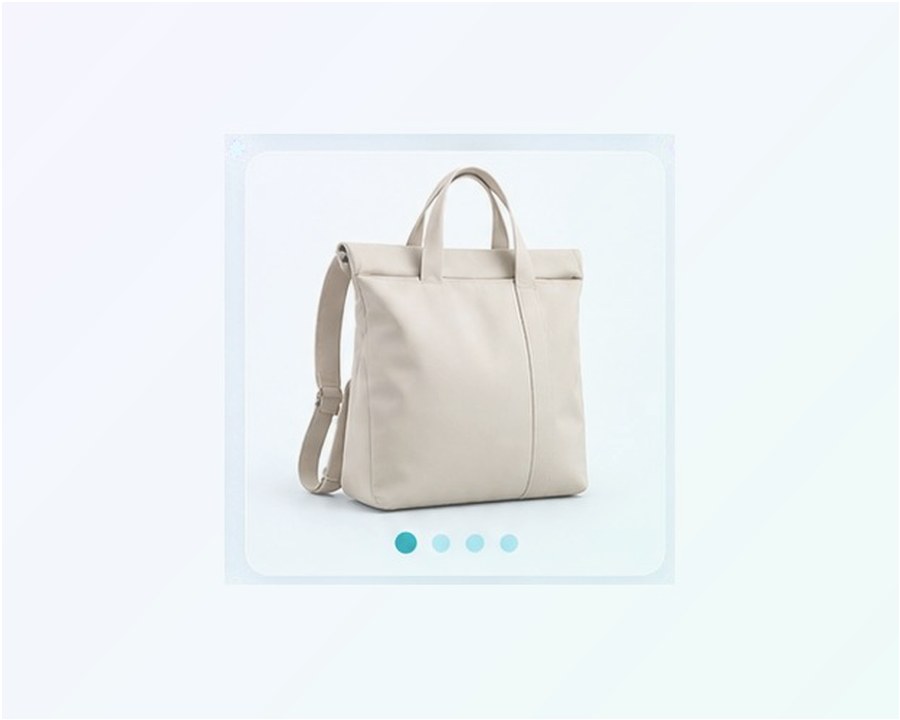
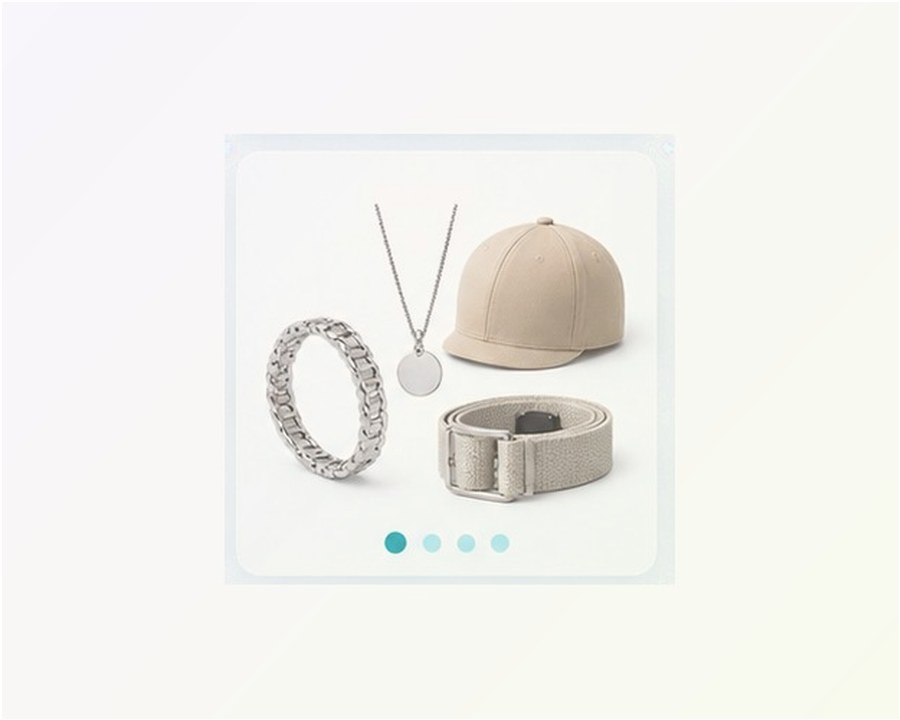
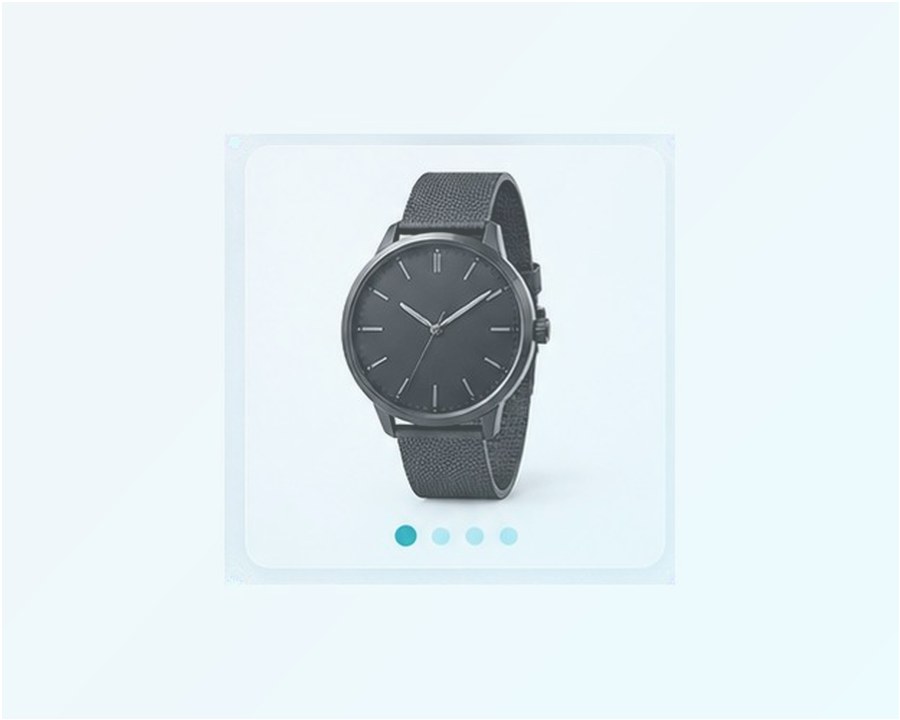
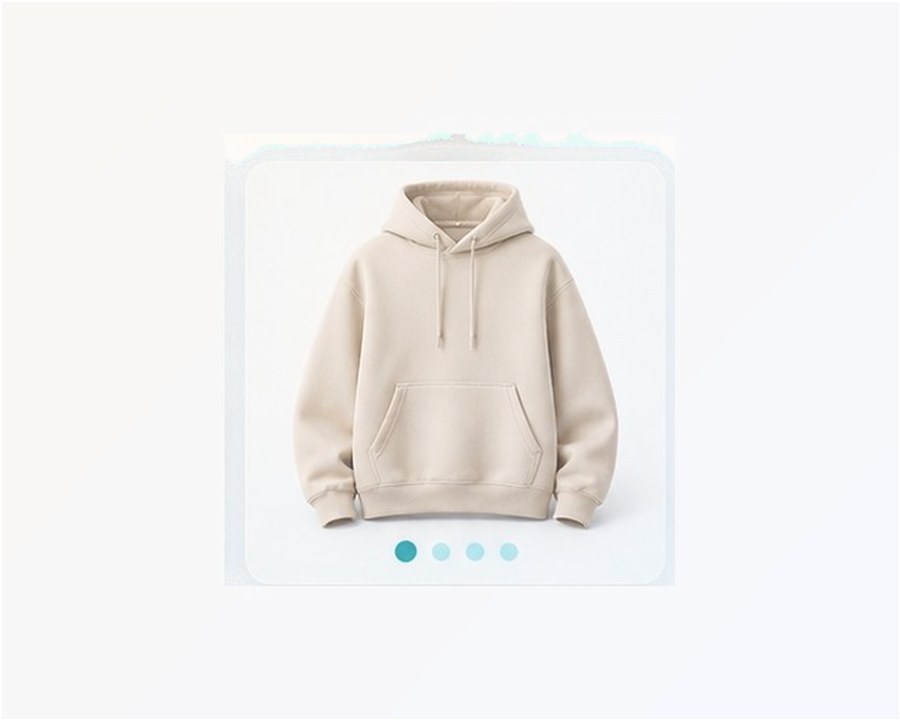
After the agent flow is clear, choose the product group you want to browse. Each category should lead into QC photos and shipping checks before payment.





Buying path
Use Hipobuy Spreadsheet before you pay for a parcel
Most beginner mistakes happen after a product looks good but before shipping. The safer order is simple: browse by category, confirm the item option, inspect warehouse photos, then compare shipping cost and route limits.
This page keeps those steps connected, so a buyer does not jump from a product find straight into payment without checking weight, volume, packaging or country rules.
Browse Spreadsheet FindsShoesbox + outsole + size tagCheck QC
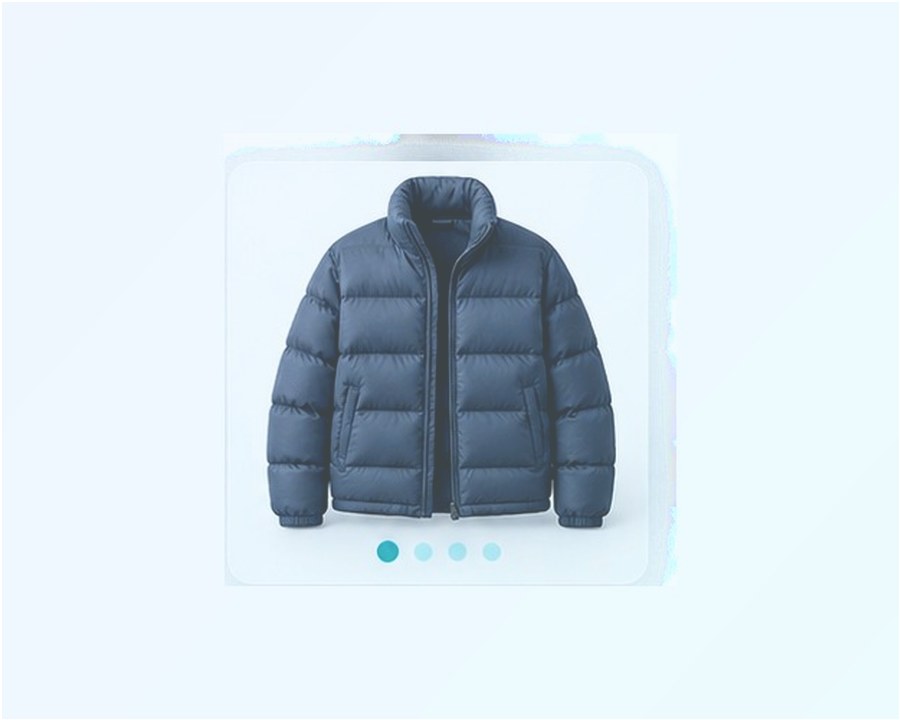
Jacketspuffer volume + zipperEstimate
Electronicsbattery + route limitRestricted
Realistic buyer notes
Check the parts that change the final order
The details that matter are practical: whether the product option is correct, whether the warehouse photos show visible defects, whether the package is bulky and whether the item type has route restrictions.
A buyer does not need a long story before every order. They need clear reminders at the right moment: check photos before approval, check weight before shipping and check route limits before combining everything into one parcel.
QC Photo Checklist
Buyer tools
Use the page that matches your next decision
Each guide is focused on a different buying moment, so you can move from product discovery to photo checks, shipping cost and route planning without rereading the same advice.
SpreadsheetSpreadsheet Product FindsStart with shoes, hoodies, bags, electronics and other product categories.
QCCheck QC PhotosWarehouse image checklist before approval.
CostEstimate Shipping CostWeight, volume and route planning.
RiskRestricted ItemsBatteries, liquids, boxes and route limits.
RouteCountry NotesUS, UK, EU, Canada, Australia and worldwide.
FAQBuyer QuestionsShort answers for common order decisions.
FAQ
Hipobuy buyer questions
Is this site official?
No. It is an independent global guide. Confirm live prices, terms and shipping lines before payment.
Why use a spreadsheet page?
It gives a faster category starting point, then pushes buyers toward QC and shipping checks instead of jumping straight into payment.
Are product links enough?
No. Use warehouse photos, item options, package notes, route warnings and final parcel weight before shipping.
Why avoid fixed shipping promises?
Shipping changes by weight, volume, destination, route and item restrictions.
When should I avoid combining items?
Avoid combining a risky item with a simple clothing parcel when battery, liquid, fragile, oversized or customs warnings appear.
What should I save before a return request?
Save the order option, seller listing, warehouse photos and any visible mismatch before asking support about a return or exchange.
Where can I find real updates?
Use Help and shipping pages for stable buyer checks. A separate update should only appear when there is a dated source or useful test result.